Claude Code /goal 完全教學:設定目標、自動執行到完成
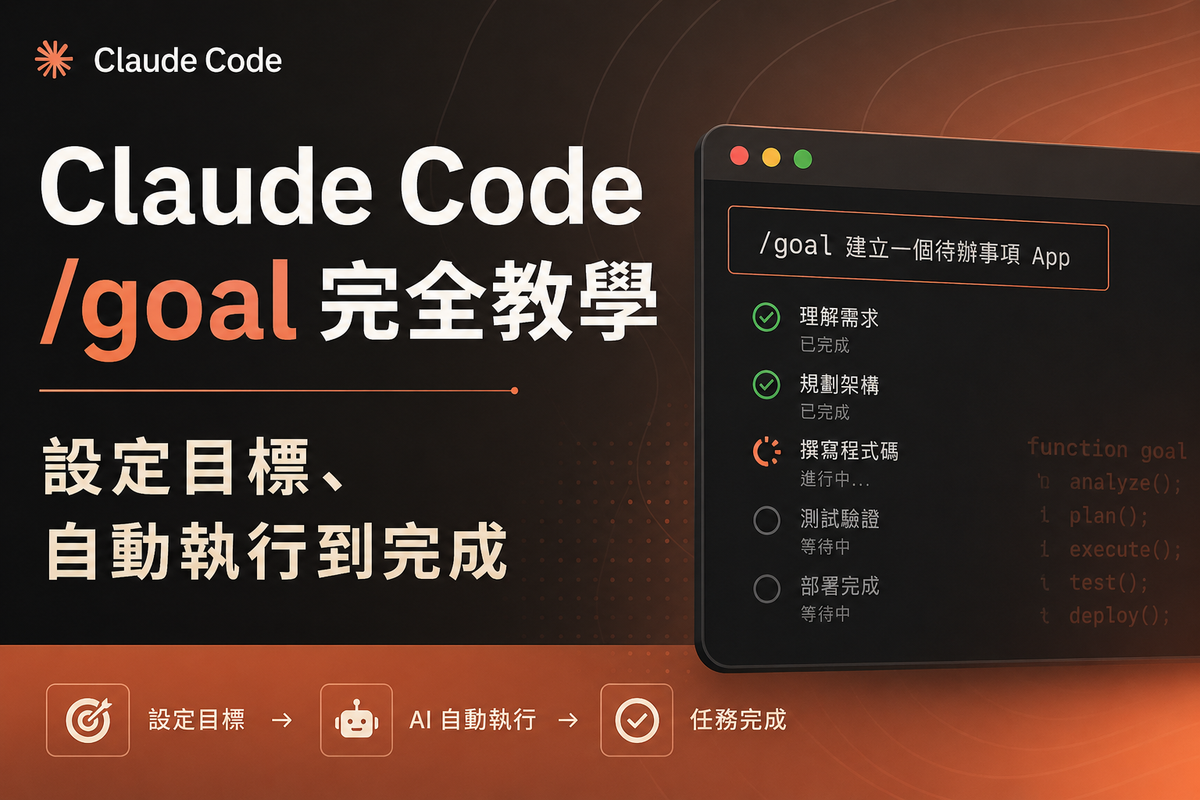
Claude Code v2.1.139 正式推出了 /goal 指令。/goal 讓你寫下「完成條件」,Claude 就會自己一輪一輪跑,直到條件成立才停下來——你不用一直在旁邊按 yes、送「keep going」。本文深入解析 /goal 的運作機制、撰寫技巧、實戰範例,以及如何與 Auto Mode 搭配實現真正的開發自動化。

什麼是 /goal?
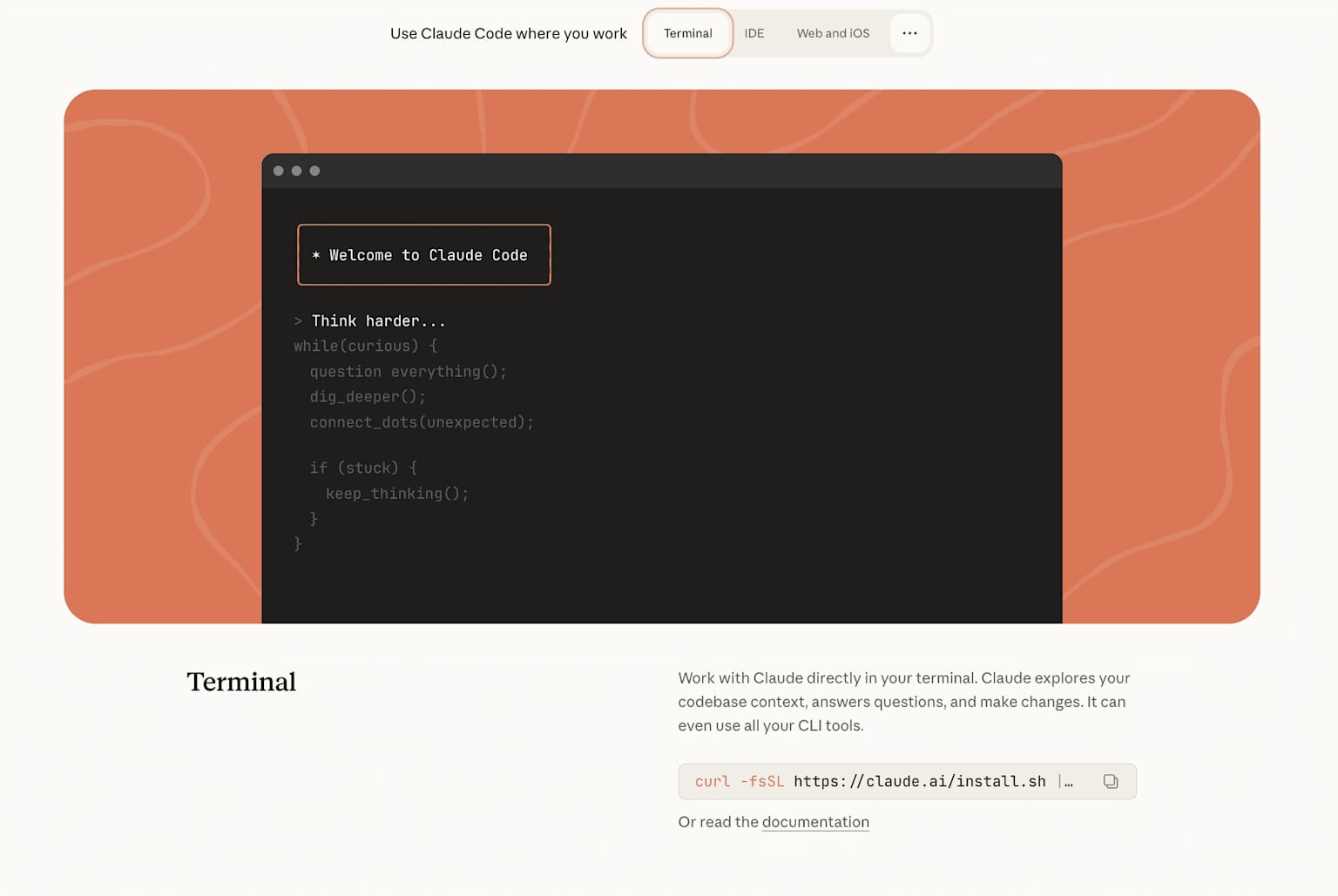
Claude Code terminal
Claude Code v2.1.139 正式推出了 /goal 指令。以前 AI 每做完一件事就會停下來等你,你得反覆送「繼續」「keep going」才能讓它跑完整個任務。有了 /goal,你只需要在開始時寫下「什麼叫做完成」,Claude 就會自己持續工作,直到那個條件被確認成立為止。
這背後的機制是這樣的:每次 Claude 完成一輪(turn)之後,一個獨立的小模型(預設是 Claude Haiku)會讀取對話記錄,判斷你的完成條件是否已經達成。如果還沒達成,Haiku 會告訴 Claude「還沒完成,繼續做」,並附上理由作為下一輪的引導。如果達成了,目標就自動清除,Claude 停下來。這個設計有個聰明之處:執行的是一個模型,評估的是另一個模型,不會讓 Claude 自己判斷自己做完了沒。
為什麼需要 /goal?
在 /goal 出現之前,開發者要讓 AI 跑完一個複雜任務,有幾種不太舒服的選擇:
- 手動陪盯:每一輪結束就送一句「繼續」,不能離開
--dangerously-skip-permissions:跳過所有確認,但可能造成危險操作(大量刪檔、資料外洩)- 手刻 Stop hook:自己在
settings.json寫停止邏輯,複雜且需維護
/goal 是介於「完全手動」和「危險的跳過全部」之間的中間路徑,既能讓任務自動跑多輪,又保留了可驗證的停止條件。
快速開始:基本語法
/goal <完成條件>
最簡單的例子:
/goal all tests in test/auth pass and the lint step is clean
輸入這行之後,Claude 馬上就開始第一輪工作,不需要你再另外送一條指令。畫面上會顯示 ◎ /goal active 狀態列,告訴你目標跑了多久、跑了幾輪、花了多少 tokens。
怎麼寫出「能跑動的條件」
這是 /goal 最關鍵的一步。條件要寫得讓 Haiku(評估模型)光看對話就能判斷——因為評估模型不會自己去跑指令,也不會讀取你的檔案,只能看 Claude 在對話中輸出的內容。
三個要素
| 要素 | 說明 | 範例 |
|---|---|---|
| 一個可量測的終點 | 測試結果、build exit code、檔案數量 | npm test exits 0 |
| 驗證方式 | Claude 要怎麼證明它做完了 | git status is clean |
| 不能動的範圍 | 哪些東西不能被改到 | no other test file is modified |
✅ 有效的條件(評估模型看得懂)
/goal npm test exits 0, git status shows no uncommitted changes,
and no file in src/auth exceeds 200 lines
❌ 無效的條件(評估模型無從判斷)
/goal code is clean and refactor is done
「clean」和「done」沒有客觀標準,評估模型只能猜測,而且往往猜「完成了」——讓目標提前結束。
常用的可驗證條件寫法
npm test 不出錯→npm test exits 0git 狀態乾淨→git status shows no uncommitted changeslint 通過→npm run lint exits 0build 成功→npm run build exits 0e2e 測試全過→e2e/checkout tests all pass
加上安全上限
條件字數上限是 4,000 字,非常寬裕。如果想防止無限迴圈,可以加一句:
/goal migration to v2 API complete or stop after 20 turns
Claude 每輪都會回報輪次進度,評估模型也會把這個限制納入判斷。
實戰範例
範例一:修 auth 測試
/goal test/auth 全部通過,npm run lint 乾淨,不要改其他測試檔
範例二:API 遷移
/goal all imports updated, npm test exits 0, no references to oldClient remain
範例三:切分大型檔案
/goal src/billing.ts split so no file exceeds 300 lines, tests pass
範例四:實作設計文件
/goal all endpoints from docs/spec.md respond with expected status, integration tests pass
範例五:處理 issue 待辦清單
/goal every open issue with label "good-first" has either a PR or a justification comment
以上範例均符合「光看輸出就能判斷做完了沒」的原則。
三種模式的接力關係
/goal 是 Claude Code 整個自動化工作流程的一塊拼圖,要和 Plan Mode 與 Auto Mode 搭配才能發揮最大效果。
Plan Mode:動工前想清楚
Plan Mode 是唯讀模式——Claude 讀你的程式碼、規劃步驟,但不做任何修改。適合:[^8]
- 碰到陌生 codebase 時
- 大型多檔案重構前
- 涉及 auth、付款、資料庫等高風險改動前
啟用方式:Shift+Tab 切換,或指令前加 /plan。
/goal:動工中跑到完成
Plan 確認沒問題之後,切換到一般模式,下 /goal,Claude 就開始執行並持續跑到條件成立。
Auto Mode:省掉每個工具確認
Auto Mode 的作用是讓 Claude 在單輪工作中不必為每個工具呼叫請求確認。一個分類器會在每次工具呼叫前判斷是否危險,安全的操作自動放行,危險的才會攔截。
這三者的差別一目了然:
| 模式 | 解決的問題 | 適合時機 |
|---|---|---|
| Plan Mode | 避免 Claude 誤解任務範圍 | 動工前,陌生 codebase |
/goal |
省去輪次之間的手動推進 | 動工中,目標明確 |
| Auto Mode | 省去輪次內的工具確認 | 搭配 /goal 使用 |
最強組合:/goal + Auto Mode
- 只開 Auto Mode:工具自動放行,但 Claude 一輪做完就停,不接著跑下一輪
- 只開
/goal:會自動跑多輪,但每個工具呼叫還是要你確認 - 兩個一起開:工具自動放行、輪次自動推進,條件達成才停——這才是真正的「設好就走」
啟用方式:claude --enable-auto-mode,再用 Shift+Tab 切換到 Auto Mode,然後下 /goal。
Codex CLI 的 /goal:OpenAI 版本
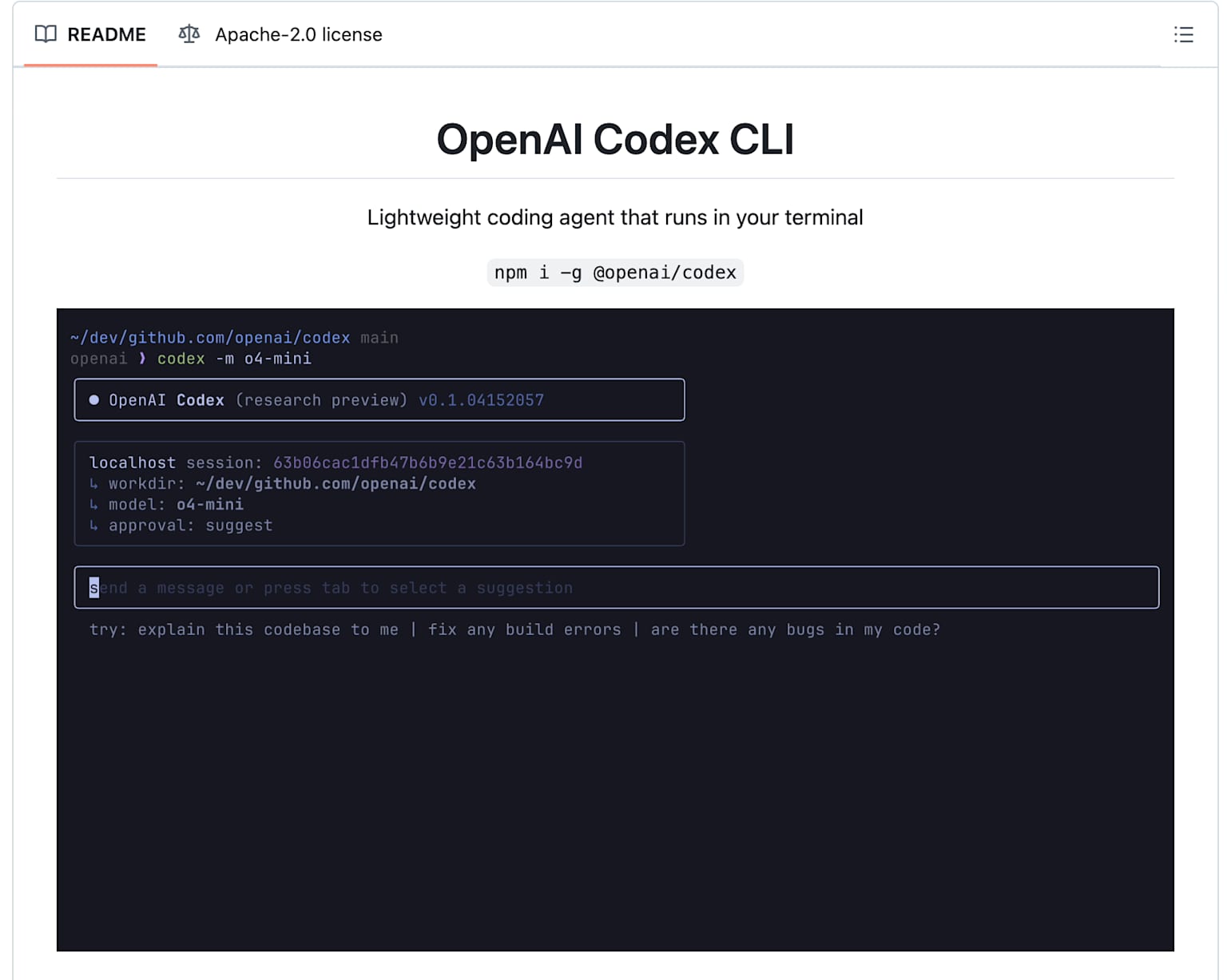
OpenAI Codex CLI terminal
Claude Code 並不是唯一一個有 /goal 功能的工具。OpenAI 的 Codex CLI 在 v0.128.0 版也加入了 /goal。
Codex 版的 /goal 屬於實驗性功能,需要手動啟用:
# 方法一:在 Codex 內部啟用
/experimental
# 找到 goals 選項並開啟

# 方法二:指令直接啟用
codex features enable goals
啟用後就可以和 Claude Code 一樣使用 /goal <目標描述>。
Claude Code vs Codex /goal 比較
| 功能 | Claude Code | Codex CLI |
|---|---|---|
/goal 狀態 |
內建,正式功能 | 實驗性,需手動啟用[^9] |
| 評估模型 | Claude Haiku(可配置) | 類似機制[^12] |
| 管理指令 | /goal clear, /goal pause, /goal resume |
/goal pause, /goal resume, /goal clear[^10] |
| 非互動模式 | ✅ 支援 claude -p "/goal ..." |
✅ 支援[^10] |
| 與 Auto Mode 搭配 | ✅ 官方推薦組合[^6] | 需另外設定 |
Codex 社群已有人成功讓它跑了 14 小時不停處理一個 device driver 專案——/goal 的長期任務潛力不容小覷。[^13]
/goal、/loop、Stop hook 的差異
搞清楚這三個有助於選對工具:
| 工具 | 下一輪觸發條件 | 停止條件 | 適合情境 |
|---|---|---|---|
/goal |
上一輪結束 | 模型確認條件成立 | 有明確驗證條件的任務 |
/loop |
固定時間間隔 | 手動停止或 Claude 自決 | 等待外部狀態(CI 跑完、API 回應) |
| Stop hook | 上一輪結束 | 你自己的腳本或 prompt | 跨 session 的固定規則 |
/goal 是 session 層級的一次性命令,適合「我知道做完是什麼樣子,但不確定要幾輪」的任務。Stop hook 是永久設定,適合「每個 session 都要遵守的規則」。
常見問題
Q:/goal 同時只能有一個嗎?
是的,每個 session 只能有一個 active goal。新的 /goal 會直接覆蓋舊的,不會詢問。
Q:session 關掉再開,goal 還在嗎?
用 --resume 或 --continue 重開 session,goal 的條件會保留,但輪次計數和 timer 會重置。已達成或已清除的 goal 不會復原。
Q:/goal 在什麼情況下無法使用?
workspace 必須先通過信任對話框,且 disableAllHooks 未啟用。因為 /goal 的底層就是一個 Stop hook。
Q:非互動模式怎麼用?
claude -p "/goal CHANGELOG.md has an entry for every PR merged this week"
直接在 CLI 呼叫,跑完為止。Ctrl+C 可以中斷。
核心概念整理
用一個比喻來總結三種模式的角色:
Plan Mode 是建築師畫設計圖(想清楚再動手)/goal是工頭設定驗收標準(告訴工人什麼叫蓋完)
Auto Mode 是讓工人不用每顆釘子都問你(工具自動放行)
三個一起用,才能真正放下 terminal、去做別的事,等 Claude 把任務跑完。
本文資訊來源:Anthropic Claude Code 官方文件、Claude Code v2.1.139 更新日誌、OpenAI Codex CLI GitHub、Jakub Kontra 技術分析
References
- Claude Code just shipped a "run until done" mode. Upgrade to v2 ... - The new /goal command lets you set a completion condition ("all tests pass and the PR is ready"), th...
- Keep Claude working toward a goal - Claude Code Docs - The /goal command sets a completion condition and Claude keeps working toward it without you prompti...
- Anthropic Just Solved The Biggest Claude Code Problem! /goals safes the day! - Claude Code's new
/goalslash command sets a completion condition once and keeps Claude working, t... - /goal in Claude Code: keep a session running until the condition holds - Anthropic shipped the /goal slash command. A session-scoped wrapper over a prompt-based Stop hook: y...
- Claude's Built-in Goal Feature Simplifies Looping and Evaluation - Did you try the new /goal? The new /goal in Codex/Claude Code is essentially a built-in Ralph loop w...
- Auto mode for Claude Code - Auto mode lets Claude Code make permission decisions with built-in safeguards — fewer interruptions ...
- /goal is the best command in Claude Code right now. And most ... - The key difference from /goal and /loop: /goal and /loop require an open session. If you close Claud...
- Claude Code Plan Mode: The One Workflow That Prevents 90% of ... - Claude Code's plan mode shows you every action before it runs. Here's how it works, when to use it, ...
- Goal Mode Changes Everything for AI Coding - daily.dev - Claude Code and Codex CLI have both added a /goal feature that enables autonomous looping agents — y...
- Document the /goal CLI command and Goals lifecycle in slash ... - A local codex-cli 0.128.0 install contains goal-related command/help strings, including Usage: /goal...
- Codex v0.128.0 加入了一個/goal 功能,是OpenAI 的Ralph Wiggum ... - Codex v0.128.0 加入了一個/goal 功能,是OpenAI 的 Ralph Wiggum loop 實作,這次真的可以讓你在Codex CLI 跑上三天三夜不停歇,這有多厲害就不用我說了...
- Goal Mode Changes Everything for AI Coding - YouTube - ... claude code, cursor, and LLMs to code? Checkout ny course teaching ... NEW Self-Improving Memory...
- Codex /goal: OpenAI's 'Ralph Loop' Feature That Ran a Device ... - Codex's /goal feature keeps a task alive across turns until complete — one user ran it on a device d...